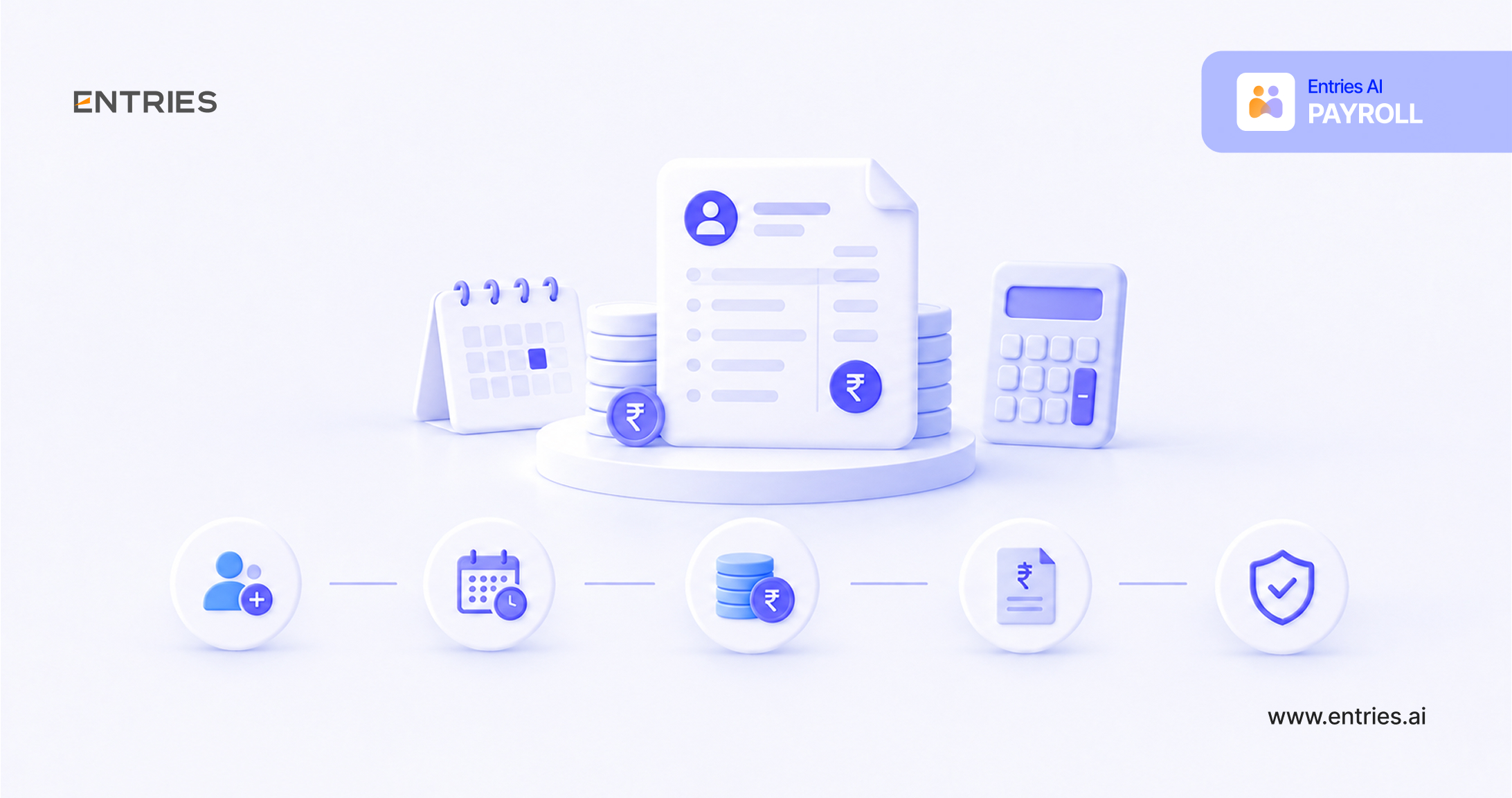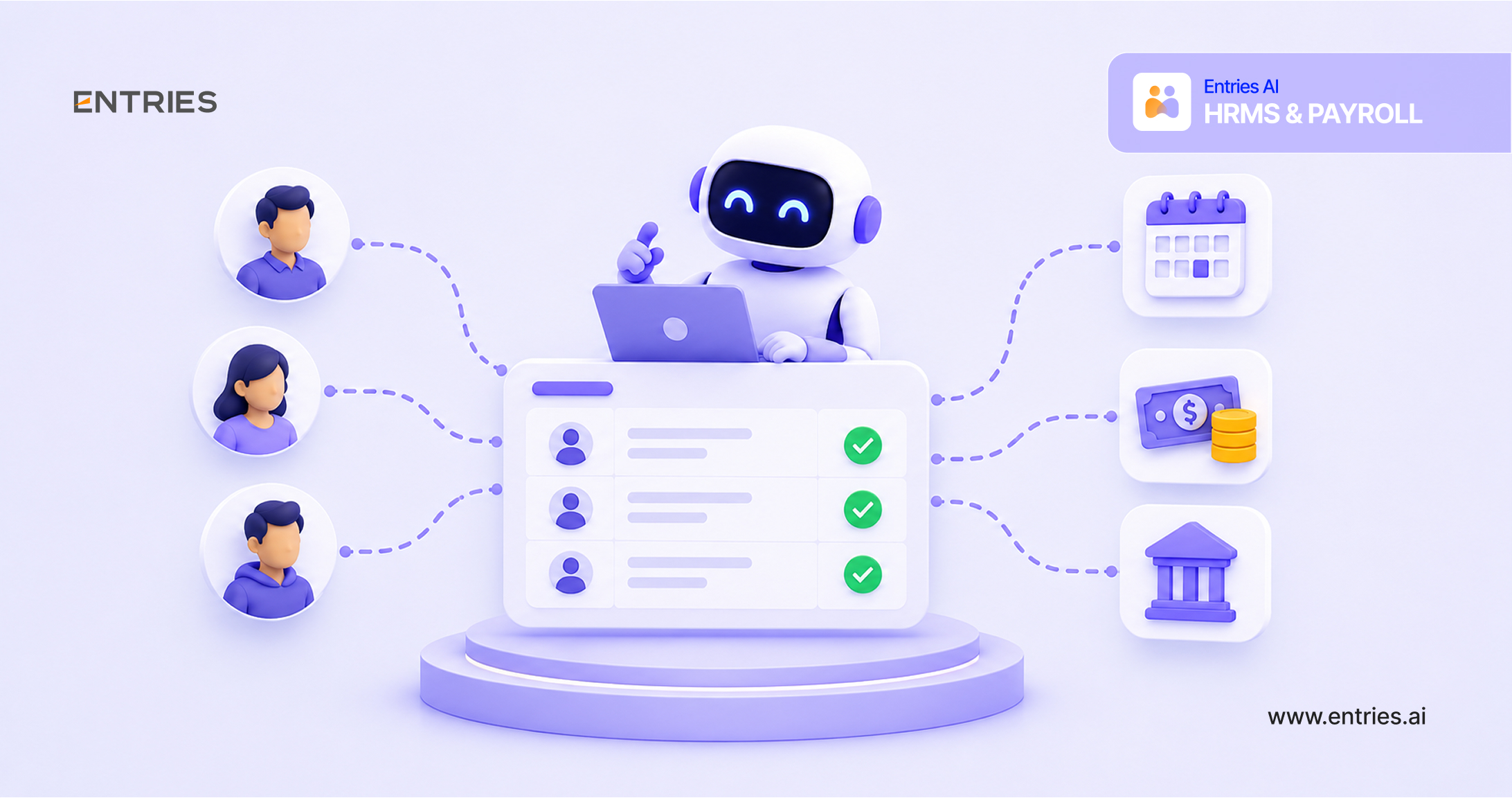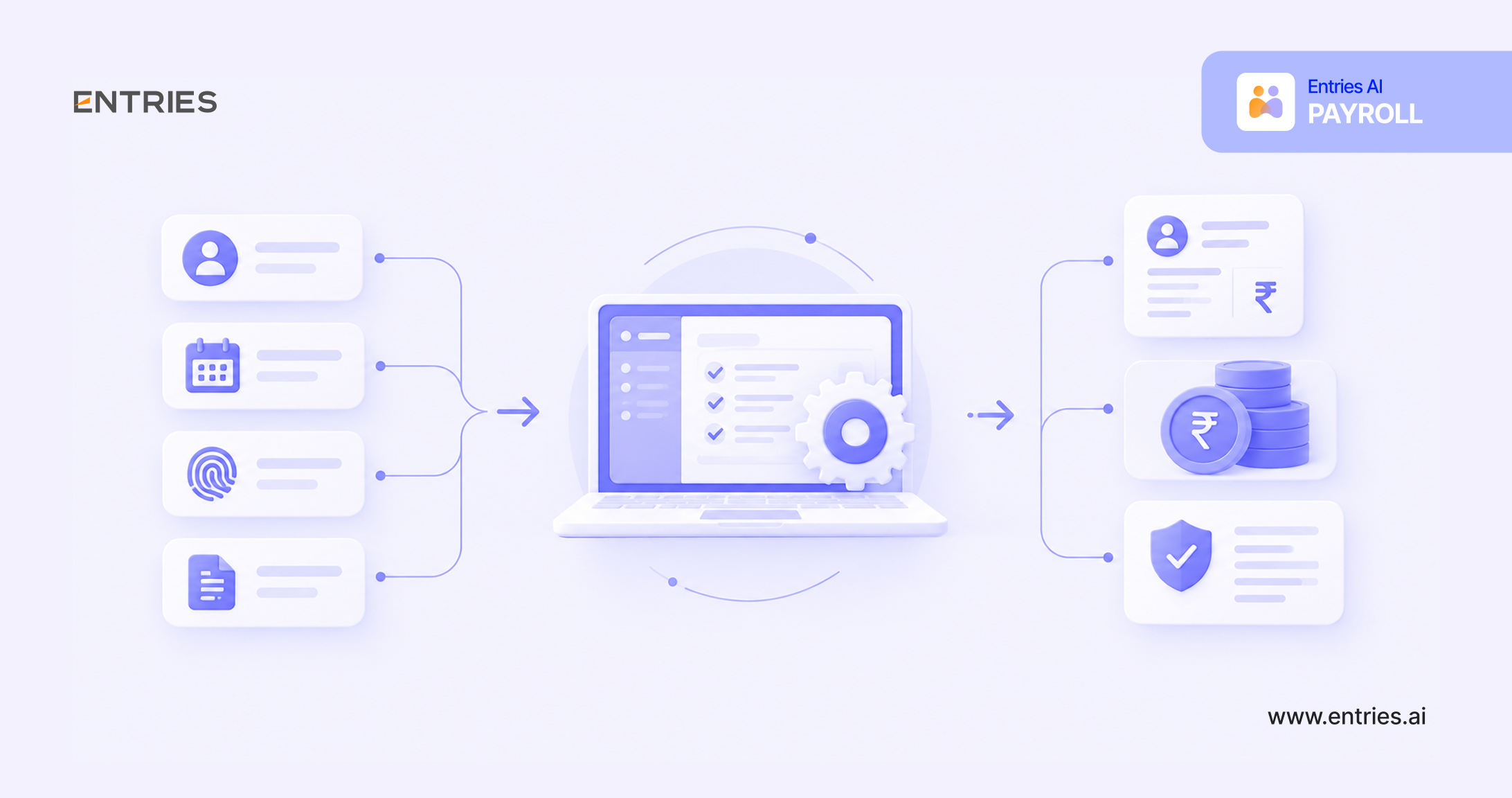
Intro: Payroll automation replaces manual salary calculations, spreadsheet updates, and repetitive data entry with software that handles the payroll cycle for you.
For HR and finance teams, payroll automation means fewer errors, faster payroll runs, and easier compliance with PF, ESI, TDS, and other statutory rules. As teams grow and salary structures get more complex, manual payroll becomes harder to sustain. This guide explains what payroll automation is, how the process works, the benefits and risks, the features to look for, and how to automate payroll step by step.
What is payroll automation?
Payroll automation is the use of software to automatically calculate salaries, apply deductions and taxes, generate payslips, process payments, and prepare statutory filings, with minimal manual input. Instead of HR re-entering data every month, the system pulls information from attendance, leave, and HR records and applies preset rules to produce accurate payroll.
If you are wondering what HR payroll automation is, it is the same idea applied across the HR function. Employee data, attendance, leave, benefits, and compensation flow through one connected system, so payroll is a by-product of data that is already captured and verified.
A typical payroll automation process covers:
- Employee data and salary structure management
- Attendance and leave integration
- Gross-to-net salary calculations
- Statutory deductions and tax calculations
- Payslip generation and delivery
- Bank payouts
- Compliance reports and filings
Tired of month-end payroll stress? Automate Payroll →
Benefits of payroll automation
When you automate payroll, the gains show up in accuracy, speed, cost, and employee experience:
- Fewer errors: Rules-based calculations remove common mistakes in deductions, overtime, arrears, and tax.
- Faster payroll runs: Tasks that took days of manual work can often be completed in hours.
- Lower costs: Less rework, fewer penalties, and reduced admin effort free up budget and time.
- Better compliance: Statutory rates and rules are maintained in the system, which reduces the risk of late or incorrect filings.
- Stronger data security: Role-based access and audit trails protect sensitive salary data better than shared spreadsheets.
- Employee self-service: Employees access payslips, tax documents, and declarations on their own, reducing queries to HR.
- Scalability: The same system handles 50 or 5,000 employees without a proportional increase in effort.
- Better insights: Reports on payroll cost, headcount, and variances support finance planning.
Features of the best payroll automation systems
A strong payroll automation system should include:
- Automated gross-to-net calculation: Handles earnings, deductions, taxes, and net pay for different salary structures.
- Statutory compliance support: Covers PF, ESI, Professional Tax, LWF, TDS, and Form 16, with automatic updates when rules change.
- Attendance and leave integration: Pulls paid-day data without manual uploads.
- Configurable salary structures: Supports multiple pay groups, allowances, variable pay, and arrears.
- Approval workflows: Allows review and sign-off before payroll is finalized.
- Bank integration: Generates payout files or pays directly.
- Self-service portal and mobile access: Gives employees payslips, declarations, and tax details.
- Payroll accounting automation: Posts payroll journals to your accounting system and supports reconciliation.
- Error detection and variance alerts: Flags unusual entries before payroll is processed.
- Security and audit trails: Provides role-based access, encryption, and a log of changes.
- Reporting and analytics: Offers dashboards and exportable reports.
How are organizations utilizing payroll automation?
Organizations use payroll automation in different ways depending on size and complexity:
- Startups and small businesses use it to replace spreadsheets, so a small HR team can run payroll without errors or dedicated specialists.
- Growing companies use it to handle new joiners, exits, and salary revisions at scale, along with multi-state compliance.
- Large enterprises use it for multiple entities, locations, and pay groups, with consolidated reporting.
- Finance teams use payroll accounting automation to sync payroll journals with the general ledger and speed up month-end close.
- HR teams use it to cut time spent on payslip queries, tax declarations, and compliance paperwork.
- Companies with variable pay use it to automate incentives, overtime, and shift allowances based on captured data.
Across all of these, the common goal is the same: spend less time on repetitive processing and more on review, planning, and employee support.
Types of payroll automation software
Payroll automation platforms generally fall into these categories:
- Standalone payroll software: Focuses only on payroll calculation, payouts, and compliance. It suits teams that already have separate HR tools.
- Integrated HRMS with payroll: Combines HR records, attendance, leave, and payroll in one platform for seamless data flow.
- Cloud-based payroll software: Hosted by the vendor and accessed online, with automatic updates and lower infrastructure needs.
- On-premise payroll software: Installed on your own servers, giving more control but requiring more IT maintenance.
- ERP-based payroll modules: Part of a larger enterprise system, typically suited to large organizations that want payroll tied to finance.
- Payroll outsourcing with automation: A service provider runs payroll using its own automated tools on your behalf.
Not sure which type of payroll fits your team? Talk to an Entries AI expert →
Risks of automated payroll vs. manual payroll
Automation reduces many risks but introduces a few of its own. Here is how the two compare:
|
Risk area |
Manual payroll |
Automated payroll |
|
Calculation errors |
High, since formulas and entries are updated by hand |
Low, as rules are applied consistently |
|
Compliance mistakes |
Higher, because rule changes must be tracked manually |
Lower, as vendors typically update statutory rules |
|
Data security |
Weak if files are shared by email or stored locally |
Stronger with access controls and audit trails, but depends on vendor security |
|
Time and effort |
High and repetitive each cycle |
Low once set up |
|
Setup and implementation |
Minimal |
Requires configuration and data migration |
|
Dependence on one person |
High, as knowledge sits with one or two people |
Lower, as processes are documented in the system |
|
Wrong setup risk |
Not applicable |
A misconfigured rule can repeat an error across all employees |
|
Vendor dependency |
None |
Relies on vendor reliability and support |
|
Upfront cost |
Low |
Higher, though often offset by savings |
|
Scalability |
Poor, as errors grow with headcount |
Strong |
The main risk of automation is a bad setup, so test configurations with parallel runs before going live.
How to automate payroll?
Follow this payroll automation process to automate payroll without disruption:
- Audit your current payroll. Document how you run payroll today, including data sources, steps, pain points, and compliance requirements.
- Define your requirements. List needs such as salary structures, statutory coverage, number of locations, integrations, and budget.
- Choose the right system. Compare payroll automation platforms on compliance coverage, ease of use, integrations, security, and support.
- Clean and prepare your data. Verify employee records, bank details, PAN and UAN numbers, and salary structures before migrating.
- Configure the system. Set up your company profile, pay groups, salary components, statutory registrations, and approval workflows.
- Integrate attendance, HR, and accounting tools. Connect the systems that supply data to payroll or consume its output.
- Run a parallel test. Process payroll in the new system alongside your current method and compare results line by line.
- Train your team. Make sure HR, finance, and managers know how to review, approve, and handle exceptions.
- Go live and monitor. Move to the automated process, then review the first few cycles closely.
- Review and improve. Use reports and feedback to refine rules, workflows, and reporting over time.
Payroll automation mistakes to avoid
Avoid these common pitfalls when you automate payroll:
- Skipping data cleanup: Migrating inaccurate employee or bank data carries old errors into the new system.
- Choosing on price alone: The cheapest tool may lack compliance coverage, integrations, or support.
- Not testing before go-live: Skipping a parallel run risks miscalculated salaries reaching employees.
- Ignoring compliance specifics: State-specific rules like Professional Tax and LWF need to be set up correctly.
- Over-trusting automation: Always review the payroll register and variance reports before approving.
- Neglecting user training: Teams that do not understand the system fall back on workarounds.
- Poor integration planning: Disconnected attendance or accounting systems recreate manual work.
- Overlooking security: Check access controls, encryption, and vendor security practices.
- Setting it and forgetting it: Salary structures, tax rules, and company policies change, so review configurations regularly.
Automate your payroll with Entries AI
Entries AI helps HR and finance teams run payroll with less manual work and more confidence. Instead of chasing data, fixing spreadsheets, and double-checking calculations, your team reviews and approves payroll that is already prepared and validated.
What sets Entries AI apart
- AI-assisted accuracy: Flags unusual entries, mismatches, and variances before payroll is finalized, helping prevent errors from reaching employees.
- End-to-end automation: Covers data collection, calculation, approvals, payslips, and payouts in one flow.
- Built for Indian compliance: Supports PF, ESI, PT, TDS, and related filings, aligned to current rules.
- Payroll accounting automation: Syncs payroll data with your accounting records to reduce reconciliation effort.
- Connected data: Links attendance, employee records, and payroll to avoid duplicate entry.
- Employee self-service: Gives employees payslips and tax documents on demand, cutting queries to HR.
- Real-time visibility: Dashboards show payroll cost, status, and compliance at a glance.
Ready to automate payroll?
see how much time your team can save every month.
Frequently asked questions
Which payroll tools offer the most automation?The tools with the most automation are usually end-to-end payroll platforms or integrated HRMS suites rather than basic calculators. Instead of relying on a single ranking, compare tools on whether they offer:
The more of these a tool covers without manual steps, the higher its level of automation. Request a demo using your own salary structure to see how much work is truly automated. |
How can automation lower payroll costs?Automation lowers payroll costs by:
Savings depend on your size and current process, so estimate them using your own payroll hours and error rates. |
How to reduce payroll errors with automation?To reduce payroll errors with automation:
|
How to ensure payroll accuracy with automation?Automation supports accuracy, but it works best with good practices:
|

Nagendra Raju
Co-founder of Entries.AI, leading the charge in building a unified business application that simplifies how SMBs operate today. Instead of juggling multiple-point solutions, SMBs can now rely on a single, seamless system that connects their entire workforce, operations, accounting, and finance functions.